Document Management in TallyPrime for UAE
Scan, attach and retrieve every invoice, contract and support document directly from your vouchers so audits and FTA checks become painless.
- Attach PDFs, images and office files to sales, purchase, payment and receipt vouchers.
- Store supporting evidence safely while keeping books clean and easy to navigate.
- Designed for UAE record‑keeping rules that expect up to five years of accessible documents.
Techzon helps you roll out a practical, paper‑light workflow in TallyPrime without changing the way your finance team posts entries.
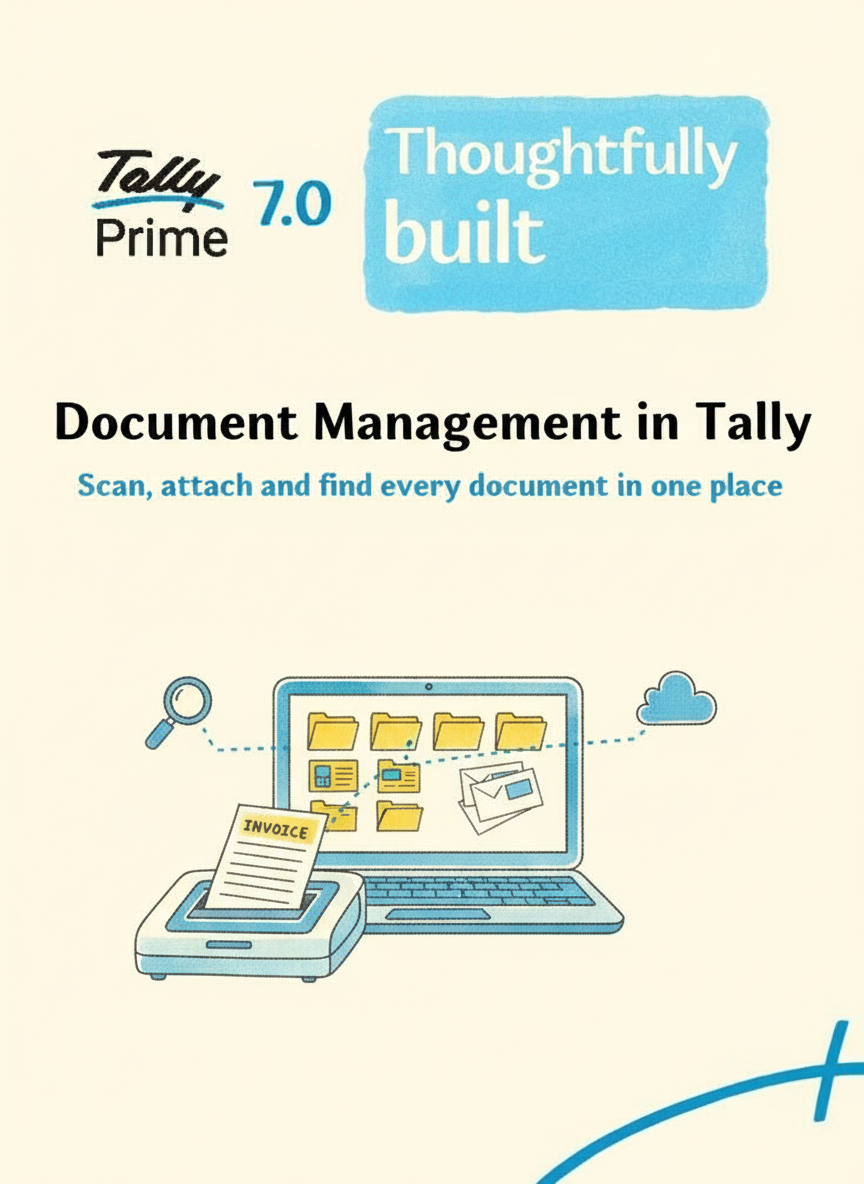
See document management in action
Click play to open the Shorts video in the regular YouTube player so it works well on desktop and mobile.
Why UAE companies need better document control
Federal Tax Authority and local regulators expect organised records, not loose folders scattered across desktops and email threads.
Always audit‑ready
- Attach invoice scans, delivery notes and contracts to the exact voucher they belong to.
- During VAT or statutory audit, open any supporting file directly from Tally reports.
- Reduce time spent hunting for bills when auditors ask for older periods.
Paper‑light, compliant storage
- Keep soft copies on local servers or cloud drives while Tally stores the links.
- Meet UAE retention rules by keeping documents accessible for multiple years.
- Reduce risk of mis‑filed paperwork for multi‑branch operations.
What can be attached?
Most implementations allow you to link PDFs, images, Word, Excel and even cloud URLs to vouchers and ledgers, so every transaction carries its own evidence.
- Expense bills, supplier invoices and import documents.
- Rental agreements, bank confirmations and customer contracts.
- Scanned cheques, BOEs and other supporting images.
Techzon configures paths and user rights so attachments stay organised and only authorised staff can view or add files.
How Techzon enables document management in TallyPrime
Instead of installing an add‑on and leaving you alone, Techzon’s team designs a simple structure that your accountants and auditors can follow.
Design & rollout
- Identify which voucher types and ledgers in your UAE business really need attachments.
- Set up folder rules – by year, branch or document type – to keep paths predictable.
- Train users on scanning, naming and linking files while they pass entries.
Search & retrieval support
- Explain how to use document registers and filters to track which entries carry files.
- Show finance teams how to answer document‑heavy queries from auditors quickly.
- Advise on backup strategies so attachment folders and Tally data move together.
Quick answers about document management in Tally
Clear answers for finance teams that want vouchers and documents in one workflow.
What is document management in Tally?
It connects supporting files such as invoices, receipts, contracts and scans with Tally vouchers or ledgers for easier review and audit preparation.
Why is it useful for UAE accounts?
It helps accountants quickly answer audit, VAT and management queries without searching through email folders, paper files or shared drives.
What files can be attached?
Common attachments include PDFs, scanned bills, supplier invoices, contracts, cheque images, import documents and supporting Excel or Word files.
Can Techzon set it up?
Yes. Techzon designs folder rules, user rights, scanning practices and backup routines so documents remain organised with Tally data.